Key changes to ZennoBrowser from August 13 to October 1, 2026, based on announcements from ZennoLab on the zenno.club forum and Telegram.
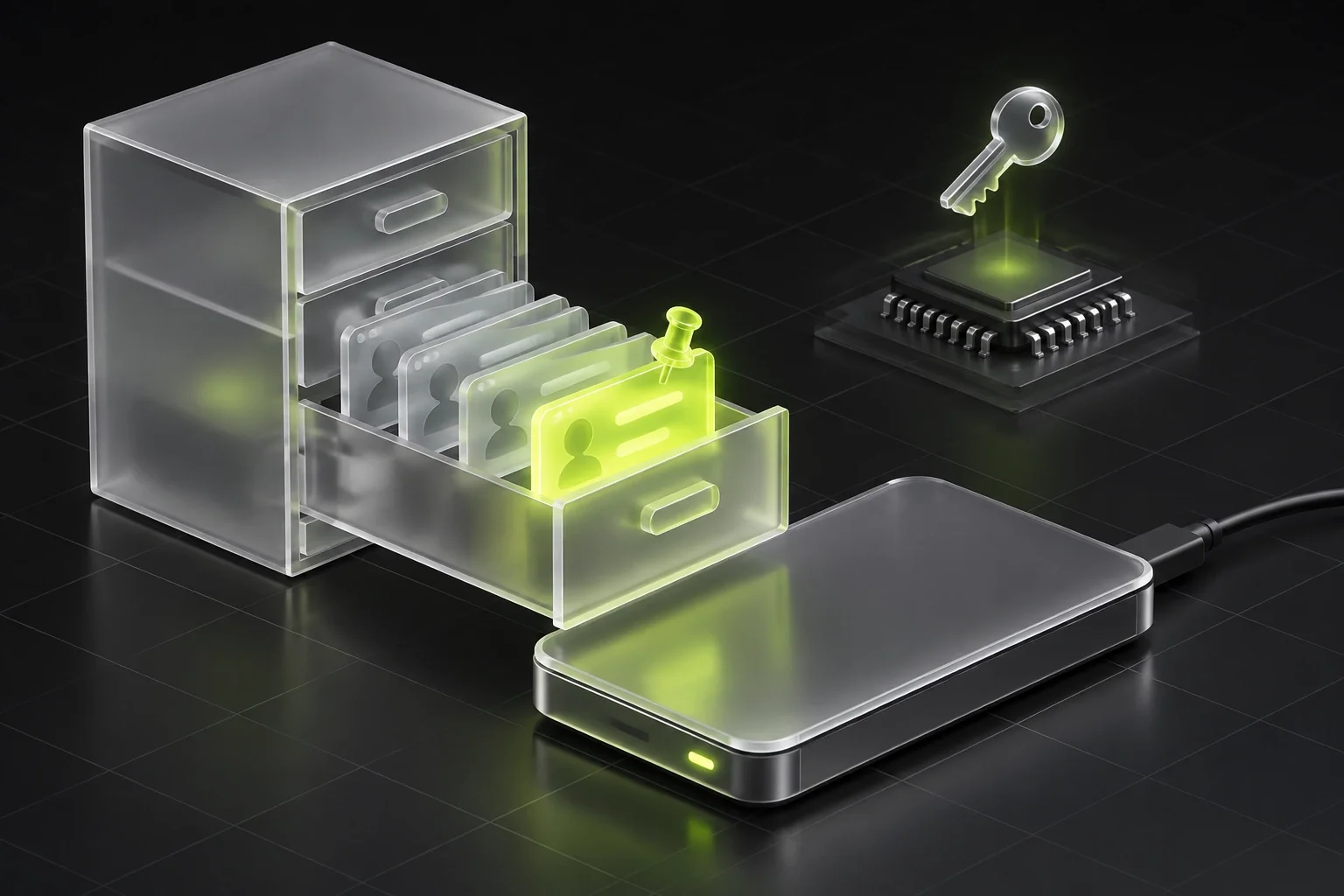
August 13, version 1.18.0: You can now choose the folder for profile data in settings—useful if your profiles are stored on an external drive. The release also includes:
- drag-and-drop profile sorting within folders, with the option to pin profiles;
- new table columns for creation date, profile ID, and browser engine;
- reworked WebGL noise for a more stable fingerprint.
September 16, version 1.20.0: ZBE 152.1.3 engine. Chromium now releases every two weeks, so the team said it would update the engine more often with patches. Presets now support start pages: sites in the list open automatically the first time you launch a profile, each in its own tab. You can open the profile window at the screen resolution specified in the fingerprint—useful for anyone whose templates stopped working when using ZennoPoster 7. This is enabled through the API and is off by default. The company warns that maximizing all farm windows across the monitor makes them identical, reducing fingerprint uniqueness.
October 1, version 1.21.0: Chromium 154 and an early access toggle in settings. With it enabled, new versions arrive before they’re available to everyone else, but may be less stable. The setting applies only on the computer where it was enabled. If you turn it off, the program stays on the current version: there is no automatic rollback. Early access was set to get a new fingerprint service, a recycle bin, and temporary profiles first; the last two arrived on October 15 in version 1.22.0.