
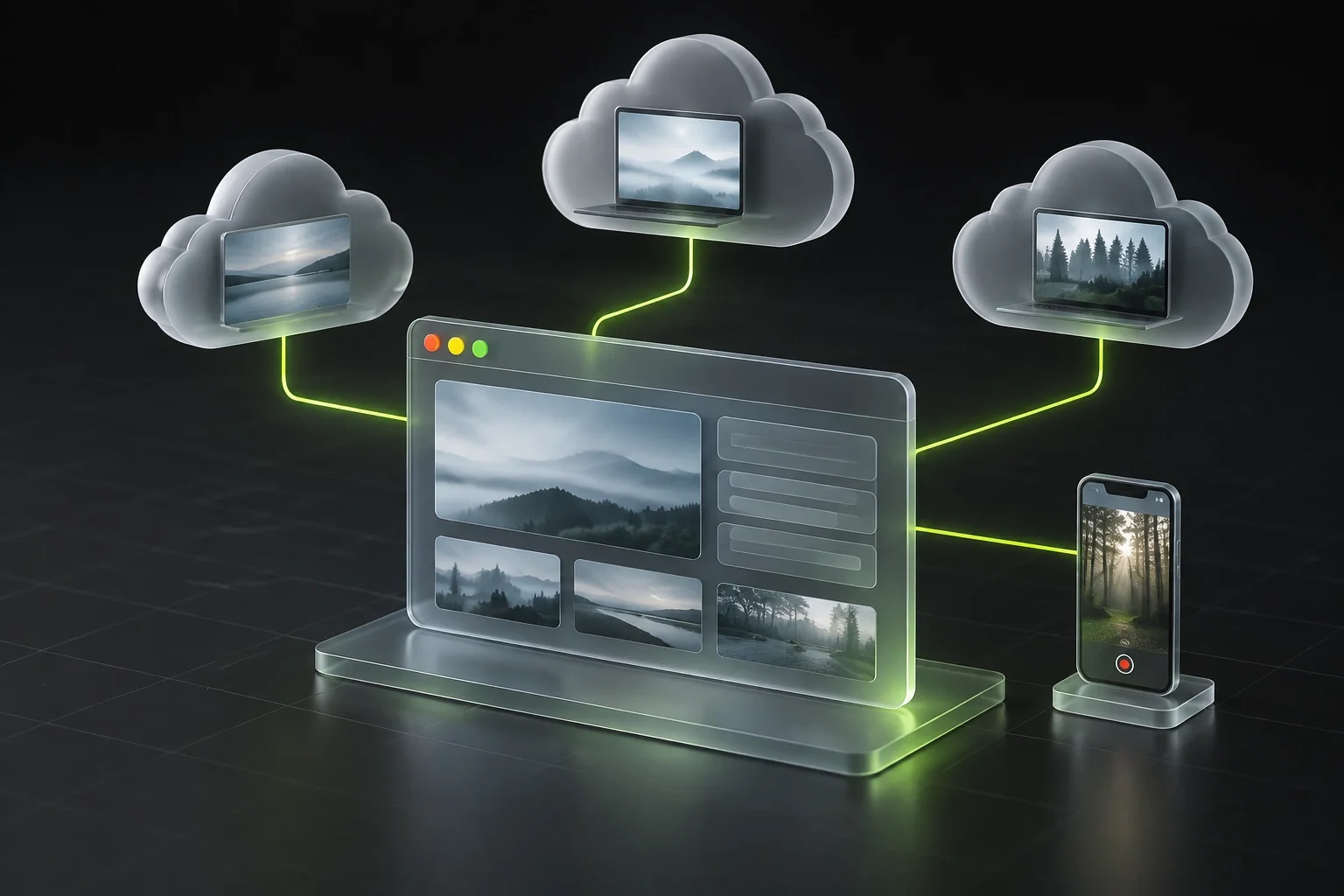
On October 31, BitBrowser updated two cloud services at once: it released a client for cloud computers, and cloud phones gained live-streaming support.
October 31, CloudPC Connector: the company released a free app for Windows 10 and 11 and macOS 14 and later. It keeps BitCloudPC cloud PCs and its own Windows servers that can be accessed via RDP in a single list. BitCloudPC requires BitBrowser 7.2.0 or later to be running and signed in. Each machine opens in its own window at resolutions from 720p to 4K. Cloud PCs can be started, stopped and restarted from the list. Connection records are stored encrypted. Backups of your own servers are saved to a .bcpc file protected by a password of at least 8 characters; a forgotten password cannot be recovered.
October 31, BitCloudPhone: Global15-live and Global16-live computing power options based on Android 15 and 16 became available for live streaming, along with Global C-17 based on Android 17. Streams can use the computer’s camera and microphone or run unattended from an uploaded MP4 file. The cloud phone window on Android and iOS can now be minimized to 50%. Custom numbers can be assigned to cloud phones and PCs. The company fixed an issue where the main account could not be deleted after switching to the free plan while subaccounts still existed. Deleting it now also clears the window recycle bin, including for subaccounts.